How to Download Pinterest Videos on Android - My Blog
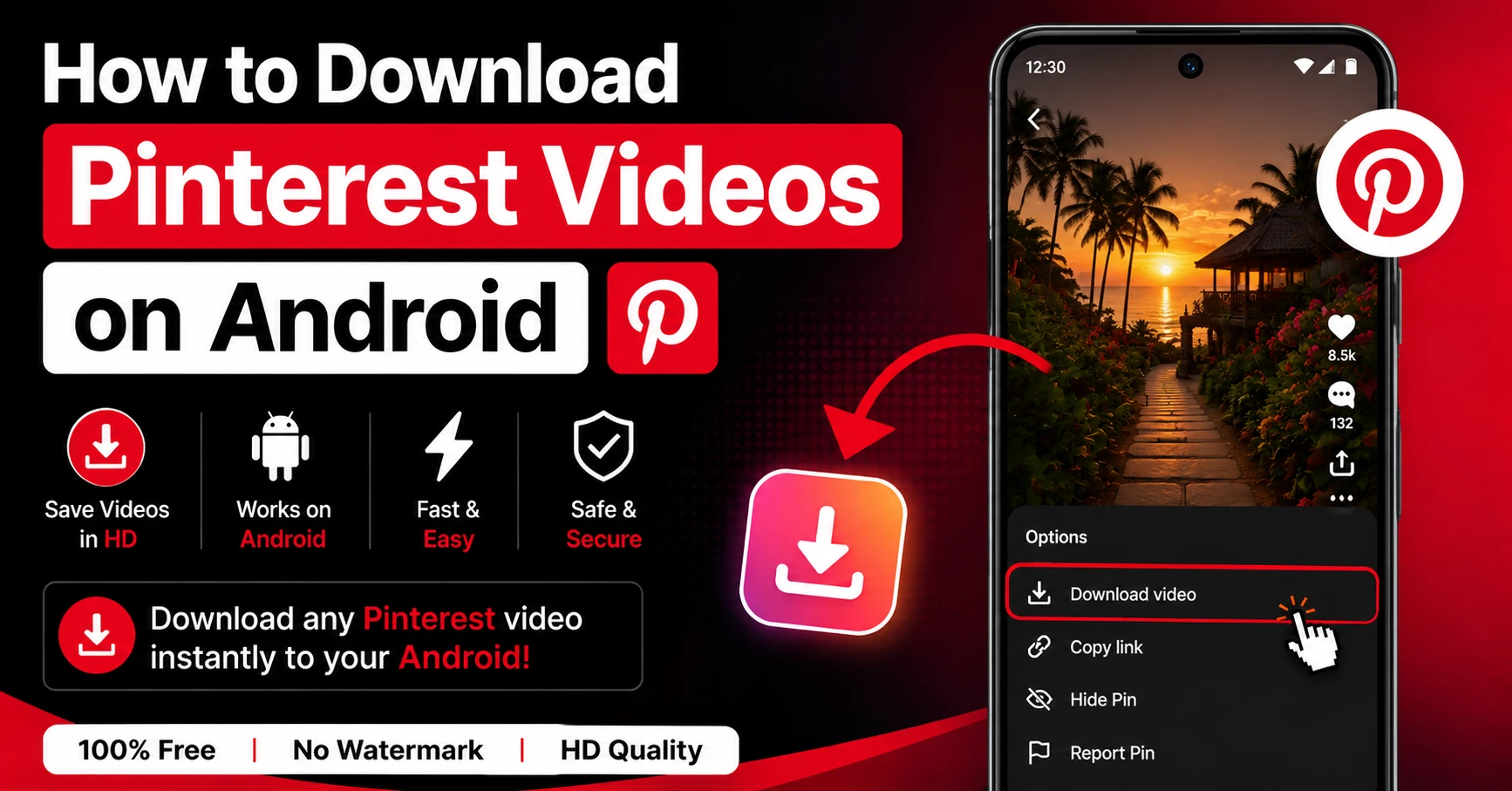
You're scrolling through Pinterest on your Android phone and you find a video you absolutely need to keep. A DIY tutorial, an aesthetic loop, a recipe you want to try later. You look for a download button and… it's not there.
Pinterest doesn't give Android users a way to save videos locally. You can pin things to your boards, sure, but the moment you go offline or that pin gets deleted, it's gone. And screen recording? That just gives you a blurry, choppy version with your notification bar plastered across the top.
Here's what actually works. This guide covers how to download Pinterest videos on Android properly — original quality, no watermarks, and without installing a single extra app.
Why Android Users Struggle to Save Pinterest Videos
Pinterest's app is built to keep you on the platform. Saving a pin to a board is their version of "downloading" — but all that does is bookmark it. The actual video file never touches your phone's storage.
A lot of Android users try workarounds that honestly don't work well.
What Doesn't Work (And Why)
Screen recording is the most common fallback, but it has real problems. You're capturing a compressed video stream as it plays, which means quality loss from the start. Plus you get the Pinterest interface baked into the recording — the header, the footer, the share button, all of it sitting on top of your video.
Some people try third-party Pinterest apps that claim to have download features. These are often outdated, full of intrusive ads, or just straight-up don't work anymore because Pinterest regularly patches their API.
The cleanest solution is a browser-based downloader. No installation, no permissions, no drama.
The Best Way to Download Pinterest Videos on Android
Pin Video Download is a free web tool that works in Chrome on Android. You paste the Pinterest link, and it fetches the original MP4 file directly from Pinterest's servers. No compression, no watermark, no account needed.
The reason this works better than other methods is simple — it pulls the raw video file, not a recording of it. You get exactly what Pinterest has stored on their end, which is the highest quality version available.
A lot of Android users who land on our site tell us the same thing: they expected another spammy downloader with popup ads and fake download buttons. The difference here is that there's one input box, one button, and the file downloads. That's it.
Why Chrome on Android Is the Best Browser for This
Chrome handles MP4 downloads natively on Android, which means the file saves directly to your Downloads folder without any extra steps. Other browsers like Firefox or Opera work too, but Chrome is the most reliable for automatic file saving.
Step-by-Step: How to Download Pinterest Videos on Android
The whole process takes about 30 seconds once you know what you're doing.
Step 1: Open Pinterest and find your video Open the Pinterest app on your Android device and navigate to the video pin you want to save. This works for regular video pins, Idea Pins, Reels, and animated content.
Step 2: Tap the share icon Look for the share icon on the pin — it's usually an upward arrow or three connected dots depending on your Pinterest app version. Tap it to open the share menu.
Step 3: Copy the link From the share menu, tap "Copy link." The Pinterest URL is now saved to your clipboard. It might be a full link like pinterest.com/pin/… or a shortened mobile link like pin.it/… — both work fine.
Step 4: Open Chrome and go to pinvideodownload.net Switch over to Chrome and type pinvideodownload.net in the address bar. The site is fully optimized for mobile, so it loads clean and fast on any Android device.
Step 5: Paste the link into the input box Tap the input box on the homepage and paste your Pinterest link. You can long-press the field and select "Paste," or tap the Paste button built into the site.
Step 6: Tap the Download button Hit the Download button. The tool usually processes the link in 2 to 4 seconds and locates the video file.
Step 7: Confirm the download Chrome will show a small download confirmation at the bottom of the screen. Tap it or just let it run. The file saves automatically to your Downloads folder.
Step 8: Find the video in your Gallery or Files Open your phone's Gallery app or Files app and look in the Downloads folder. The video will be there, ready to watch or share. On most Android phones, it also appears in your main Gallery within a minute or two.
Android-Specific Tips Most Guides Don't Mention
Here's something that doesn't get talked about enough — Android handles downloads differently depending on the manufacturer.
Samsung Galaxy Users
On Samsung devices, downloaded videos sometimes save to a "Downloads" album that doesn't show up in the main Gallery view by default. If you can't find your video, open the Gallery app, tap the three-dot menu, and look for "Show hidden albums" or check the Albums tab specifically for Downloads.
Xiaomi and MIUI Users
MIUI's built-in browser sometimes intercepts downloads and saves them to a different location than Chrome. Stick to Chrome specifically for this — it's more predictable about where files end up.
Older Android Versions (Android 9 and Below)
If you're on an older Android version, Chrome might ask for storage permission before it can save the file. Just tap "Allow" when the permission popup appears. Without it, the download won't complete.
Downloading Pinterest GIFs, Images, and Reels on Android
The same basic process works for other types of Pinterest content too.
If you're after an animated GIF, our Pinterest GIF Downloader is built specifically for that. GIFs on Pinterest sometimes get handled differently than standard video files, so using the dedicated tool gives you better results.
For high-resolution photos and image pins, the Pinterest Image Downloader fetches the original full-size file — much better than screenshotting and dealing with compression.
And for Pinterest Reels and short-form video clips, try the Pinterest Reel Downloader. It handles the newer short video format that Pinterest has been pushing heavily over the past couple of years.
Troubleshooting Common Issues on Android
Even though this process is pretty simple, a few things can go wrong. Here's how to fix the most common ones.
The download starts but the file is corrupted or won't play
This usually happens when the download gets interrupted — maybe your connection dropped for a second. Delete the partial file from your Downloads folder and try again with a stable WiFi or mobile data connection.
Chrome says "Download blocked" or asks to confirm
Some Android security settings flag downloads from unfamiliar sites. If Chrome shows a warning, tap "Download anyway." Pin Video Download uses standard HTTPS encryption, so there's no actual risk — it's just Chrome being cautious with any file download.
The link isn't working or shows an error
Double-check that you copied the right link. Go back to Pinterest, tap share on the pin again, and copy fresh. Sometimes if you've had other things in your clipboard, the paste doesn't work right. Also make sure the pin is still live — if the creator deleted it, there's nothing to fetch.
The video downloaded but has no sound
This is rare but happens occasionally with certain pins. Pinterest stores video and audio as separate tracks on their servers, and most standard downloaders only grab the video. Pin Video Download merges them automatically, but if you're getting a silent video, try clearing your browser cache and downloading again.
Is It Safe to Download Pinterest Videos on Android?
Tbh, this is a fair thing to wonder about. A lot of downloader sites are genuinely sketchy — they ask for permissions they don't need, install browser extensions, or redirect you to suspicious pages.
Pin Video Download works entirely in your browser. Nothing gets installed. We don't ask for access to your files, contacts, camera, or anything else. The tool simply takes the link you give it, finds the video file, and hands it back to you.
We also don't store your download history or log which videos you're saving. The whole thing is anonymous.
Frequently Asked Questions
Wrapping Up
Saving Pinterest videos on Android is one of those things that should be simple but isn't — at least not natively. Pinterest keeps you locked in, and the usual workarounds like screen recording just don't hold up when you actually want to use the footage.
The process we've covered here is genuinely the cleanest way to do it. Copy the link, open pinvideodownload.net in Chrome, paste, download, done. The file lands in your Downloads folder in the original quality with no watermark and no extra steps.
Next time you find a Pinterest video worth keeping, you know exactly what to do.
Related Guides
How to Convert Pinterest Videos to MP3
Sometimes you don't need the video at all. Maybe it's a meditation track someone posted as a calming loop. A background music reel you want to use while working. A podcast-style Idea Pin where the value is entirely in what's being said, not what's being shown. A cooking tutorial where the step-by-step audio is all…
Is It Legal to Download Pinterest Videos? (The Honest Answer)
This is one of those questions where most websites either dodge the answer completely or give you a legal-sounding wall of text that doesn't actually help. So let's skip all of that and just be direct. The short answer is: it depends on what you do with the video after you download it. Downloading a…
Latest From Our Blog
Try Our Free Pinterest Download Tools
Need to download other media formats? Save any content from Pinterest instantly using our direct extraction tools:
Pinterest Video Downloader →
Extract and download public Pinterest videos in high-definition MP4 format.
Pinterest GIF Downloader →
Download animated GIF loops or convert them to lightweight MP4 videos.
Pinterest Image Downloader →
Save high-resolution JPG images and carousels in original HD quality.
Pinterest Reel Downloader →
Save Idea Pins and short Pinterest video stories with synced audio.